Article
7 Severe Weather Emergency Notification Best Practices
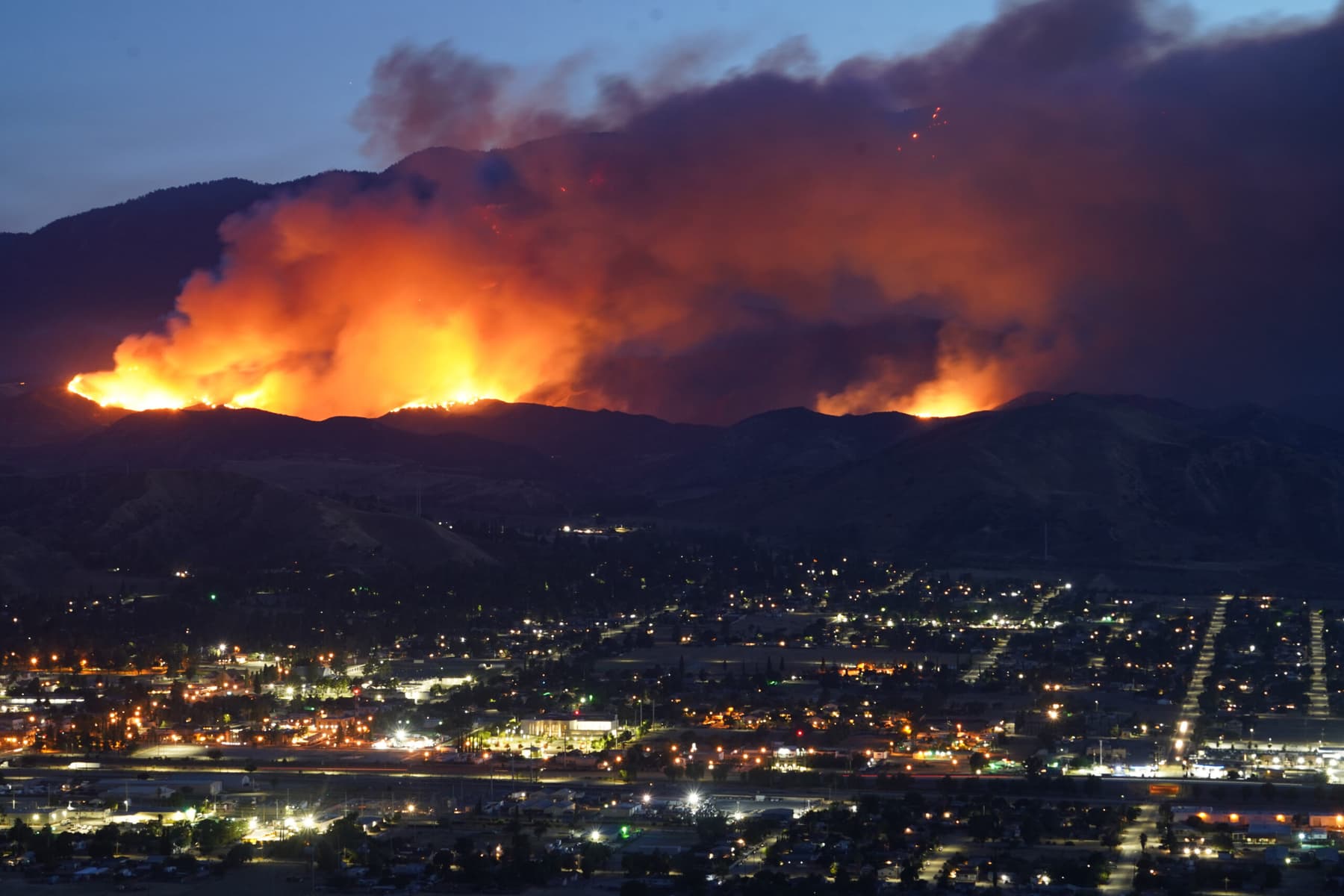
Every year, millions of people across the US face the devastating impacts of severe weather. From wildfires driven by high winds to deep freezes and rare snowfall in regions unaccustomed to winter storms, these events are a constant reminder of how deadly and disruptive unpredictable weather patterns can be.
Whether you lead a school, church, non-profit organization, small-to-medium business, or property management company, keeping the lines of communication open throughout a wildfire, winter storm, tornado, hurricane, or other natural disaster is key to minimizing disruption and keeping your people safe.
No matter what severe weather threats you may face, you can follow these time-tested emergency notification best practices before, during, and after a severe weather event:
1. Make Messages Relevant
One Call Now enables you to segment alerts with information specific to each group you need to reach, helping the right message reach the right people at the right time. Alert employees to stay home or avoid certain routes, notify vendors to delay or reroute shipments until further notice, forewarn parents of school closures or early dismissals, inform members of canceled services or events, and advise residents of property-related concerns. By targeting your messaging, you can reach the right people with the right information, while reducing unnecessary messages and alert fatigue.
2. Use Multiple Channels to Maximize Your Reach
As the threat of severe weather is often unpredictable, and can disrupt some lines of communication, it’s important to maximize the chance of reaching your recipients. One Call Now enables you to send alerts through text, email, phone calls, or any combination of those methods. Using multiple channels increases your chances of reaching everyone quickly during severe weather.
3. Prepare a Library of Messages in Advance
Save valuable time and ensure messaging accuracy by building and saving pre-recorded messages in your system. Being prepared and having pre-recorded messages in your audio library for evacuations or office closures allows you to initiate an alert within seconds, notifying people quickly when a disaster, such as a wildfire, threatens your facilities and people.
4. Know Who’s Responsible
Clearly identify who can create and send messages through One Call Now, who should approve communications when needed, and who is responsible for keeping your contact groups up to date. Be sure you have a backup person who can step in when your primary administrator isn’t available.
5. Make Sure Your Audience Knows What to Expect
Let your recipients know how you’ll use One Call Now and what types of messages they may receive. Encourage them to keep their contact information up to date so they don’t miss important updates.
6. Keep the Communication Going
Don’t stop after the first message. Use One Call Now to share follow-up updates, confirm schedule changes, provide next steps, or simply let everyone know when things are back to normal.
7. Test Your Messages Regularly
Send an occasional test message to make sure your contact information is up to date and your messages are reaching the right people. Regular testing and reviewing of message delivery rates can also help you spot outdated phone numbers or incorrect contact information before an important message needs to go out.
During a severe weather emergency, it’s important to keep the information flowing. From everyday schedule changes to warnings of disruptions or safety hazards, One Call Now helps you keep the people who matter informed. A little preparation now can make communicating easier when the weather goes awry.
Tags